Login
Google Review Link Generator Tool
Search your business, grab your Google Place ID, then generate your direct review link with optional working QR Code.
Tip: Your link format will look like https://search.google.com/local/writereview?placeid=...
Google Review Link Generator
Want more reviews without chasing customers? This free Google Review Link Generator helps you generate a direct Google review link in seconds. Once you have it, you can use it in emails, text messages, invoices, QR code stands, and NFC Google review cards—so customers can leave feedback instantly.
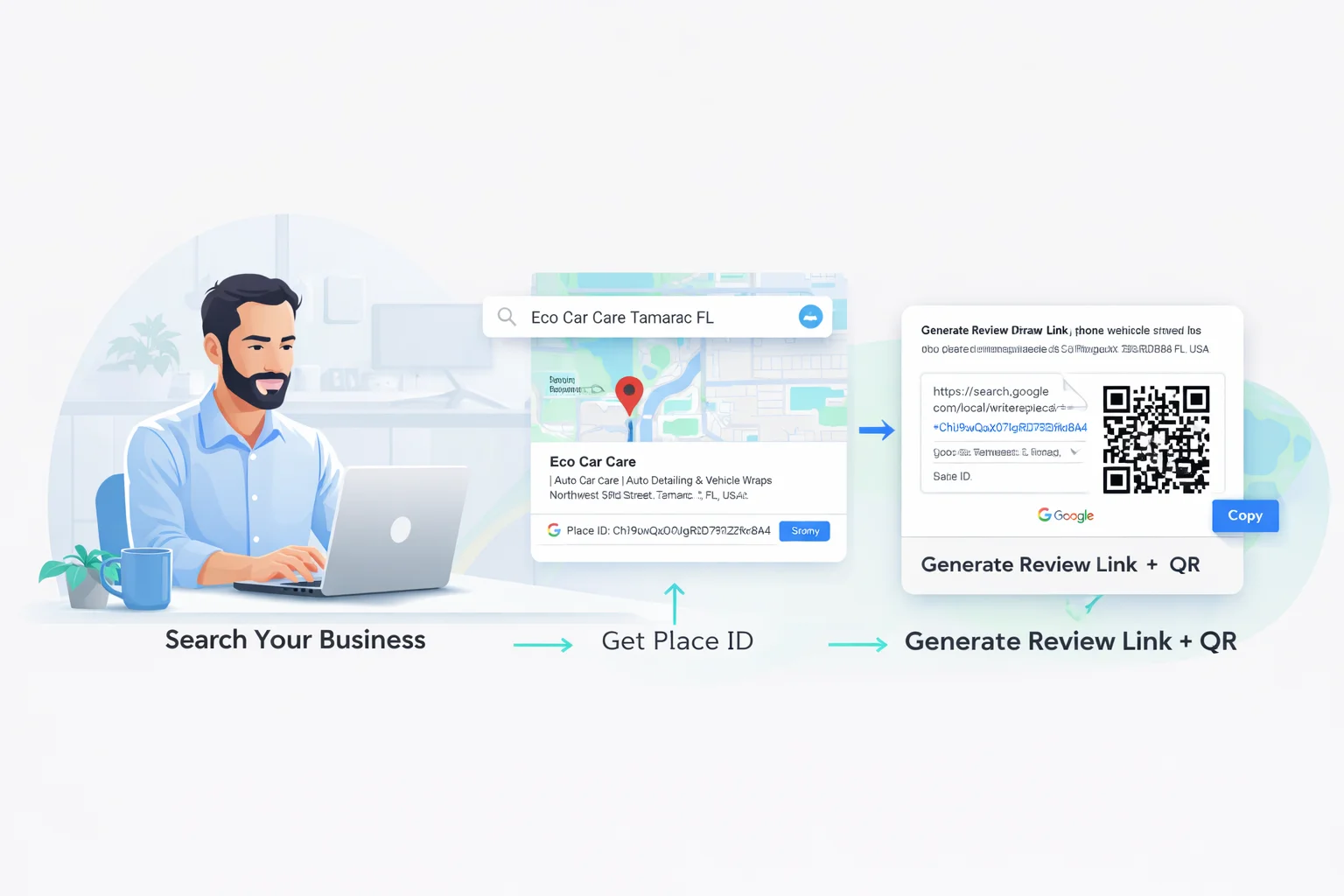
How to Generate Your Google Review Link
A Google review link is the fastest way to send customers directly to the “Write a review” screen for your business. Instead of telling people to search your business name, scroll around, and find the review button, you give them one simple link that opens the review form instantly.
This matters because review requests fail for one reason: friction. Customers are busy. If leaving a review takes more than a few taps, it gets postponed—and then it never happens. That’s why tools like a Google Review Link Generator can be a major unlock: you remove the effort and make reviews feel effortless.
Step-by-step (3 quick steps)
- Search your business using the tool above (business name + city works best).
- Select the correct listing from the dropdown. The tool captures your Google Place ID.
- Generate + copy your link and start using it in messages, QR codes, and review displays.
Your generated link will look like: https://search.google.com/local/writereview?placeid=YOUR_PLACE_ID
Google Review Link QR Generator (Free)
This page is not only a Google Review Link Generator — it is also a Google Review Link QR Generator.
When you generate your Google review link, we automatically convert that link into a QR code. You can instantly download the QR code and start using it on signs, posters, business cards, flyers, receipts, and review displays.
Convert Google Review Link to QR Code
Once your review link is generated:
- Your Google Review Link QR appears automatically
- Right-click the QR image
- Select Save Image As
- Upload or print your QR code anywhere
No extra tools required. No additional software. This makes our tool a true Google Review Link QR Generator Free.
Why Use a Google Review Link QR?
- Customers scan instead of typing
- Faster review completion
- Perfect for counters and checkout areas
- Works with any smartphone camera
Businesses that use a Google Review Link QR alongside their direct link typically collect more reviews than businesses that only send links by email.
Method 1 (Fastest): Use Our Google Review Link Generator
Below is the exact process using our tool. This is the fastest option for most business owners because you don’t need to hunt through menus inside Google Business Profile—just search, select, and copy.
Search your business
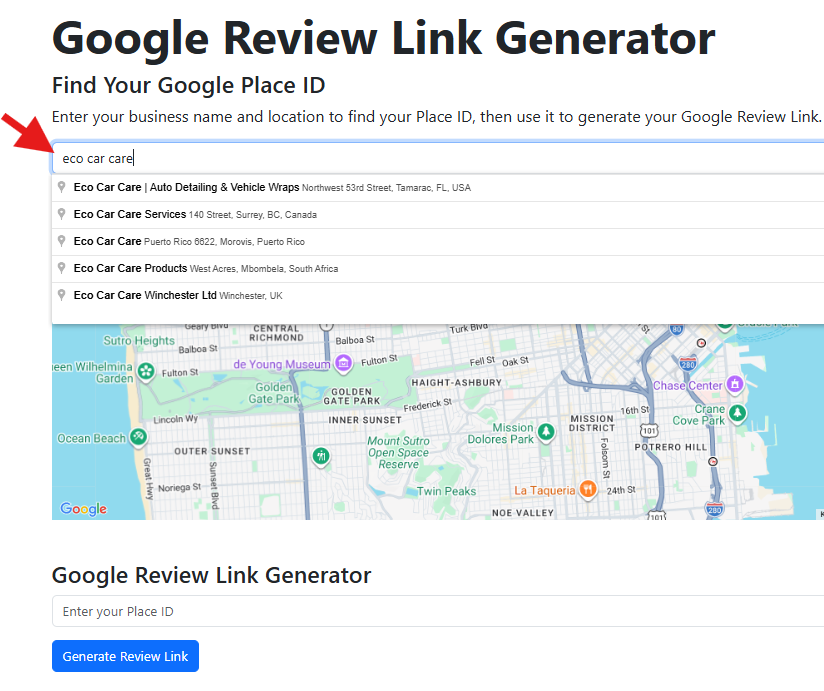
Type your business name and location, then choose the correct listing.
Place ID appears
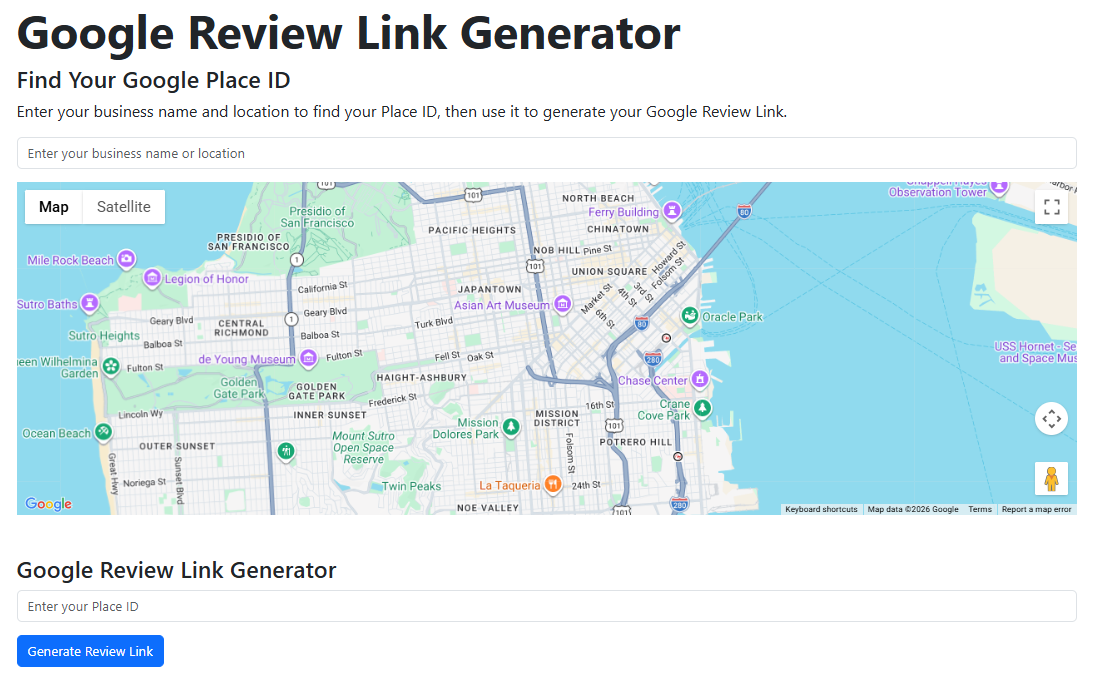
Your Place ID is auto-captured and inserted into the generator field.
Copy the final review link
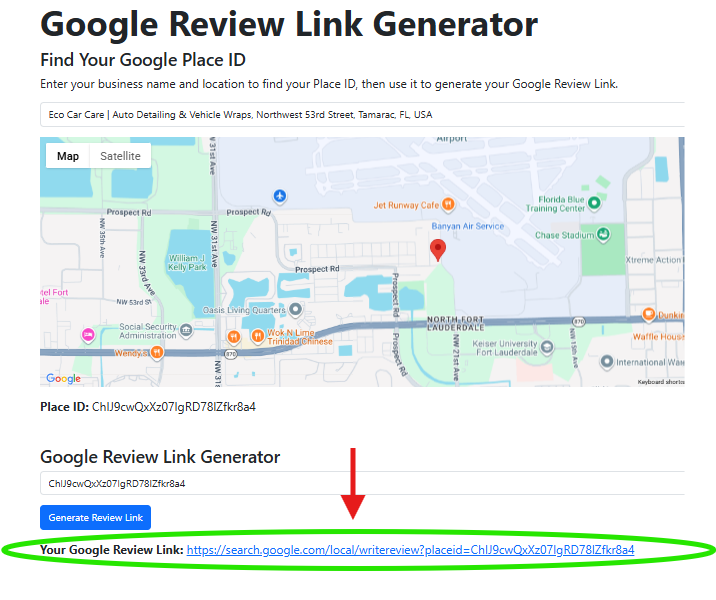
Copy your link and use it in emails, texts, QR codes, or NFC cards.
Alternative Ways to Get Your Google Review Link
Our tool is the easiest path, but there are other legitimate methods. Including them on this page helps users (and Google) understand the full topic, which strengthens topical authority for terms like google review generator and review link generator.
Method 2: Copy it from Google Business Profile
Many businesses can find a built-in “Ask for reviews” section inside their Google Business Profile dashboard. Google provides a shareable link you can copy and send to customers. The downside is that Google moves UI elements sometimes, and not everyone wants to dig around for it. That’s why a dedicated Google Review Link Generator stays popular.
Method 3: Use Google’s built-in QR code
Google also provides a QR code for some profiles. It’s convenient for DIY printing, but it’s often plain and unbranded. If you want a professional counter display (and higher scan rates), purpose-built designs tend to perform better.
What to Do After You Generate Your Review Link
Once you have your Google review link, the strategy is simple: place it everywhere customers already interact with you. The link itself is the foundation. The real gains come from using it consistently across your follow-up messages and in-person touchpoints.
High-converting use cases
- Email follow-ups: send within 1–24 hours of service completion.
- Text messages: great for fast conversion (only with permission).
- Invoices & receipts: add “Leave us a review” with the link or QR.
- Website button: put it on your contact/thank-you page.
- QR posters: scan-to-review at checkout.
Quick tip
The best time to request a review is immediately after a positive experience—when the customer is happiest.
Keep your ask short: “If everything was great today, would you mind leaving a quick Google review?”
Copy-and-Paste Email & Text Templates
Use these templates with your generated link. Keep them simple and send them consistently.
Email template (John Doe)
Subject: Quick favor?
Hi John Doe,
Thanks again for choosing us. If you have 20 seconds, would you leave a quick Google review?
[PASTE YOUR REVIEW LINK HERE]
Thank you!
— [Business Name]
Email template (Jane Doe)
Subject: How did we do?
Hi Jane Doe,
It was great helping you today. If everything went well, would you mind leaving us a quick Google review?
[PASTE YOUR REVIEW LINK HERE]
Thanks so much!
— [Your Name], [Business Name]
Text message scripts
- SMS 1: “Hi John Doe—thanks again! Could you leave us a quick Google review? [LINK]”
- SMS 2: “Hi Jane Doe! If you were happy with everything today, a quick review helps a lot: [LINK]”
DIY Review Sign Example (Print This Style)
If you want a quick DIY option, generate your link, convert it into a QR code, and print a simple sign. This works well as a test, especially for small counters or temporary setups.
DIY sign checklist
- Headline: “Scan to Leave a Review”
- Large QR code (make it easy to scan)
- Short instruction: “Point your camera at the QR code”
- Place it where customers wait (checkout, front desk)
DIY signs are great to start—but paper fades, bends, and gets replaced often. If you want a cleaner, more durable solution, a google review stand or google review signs product is usually the next step.
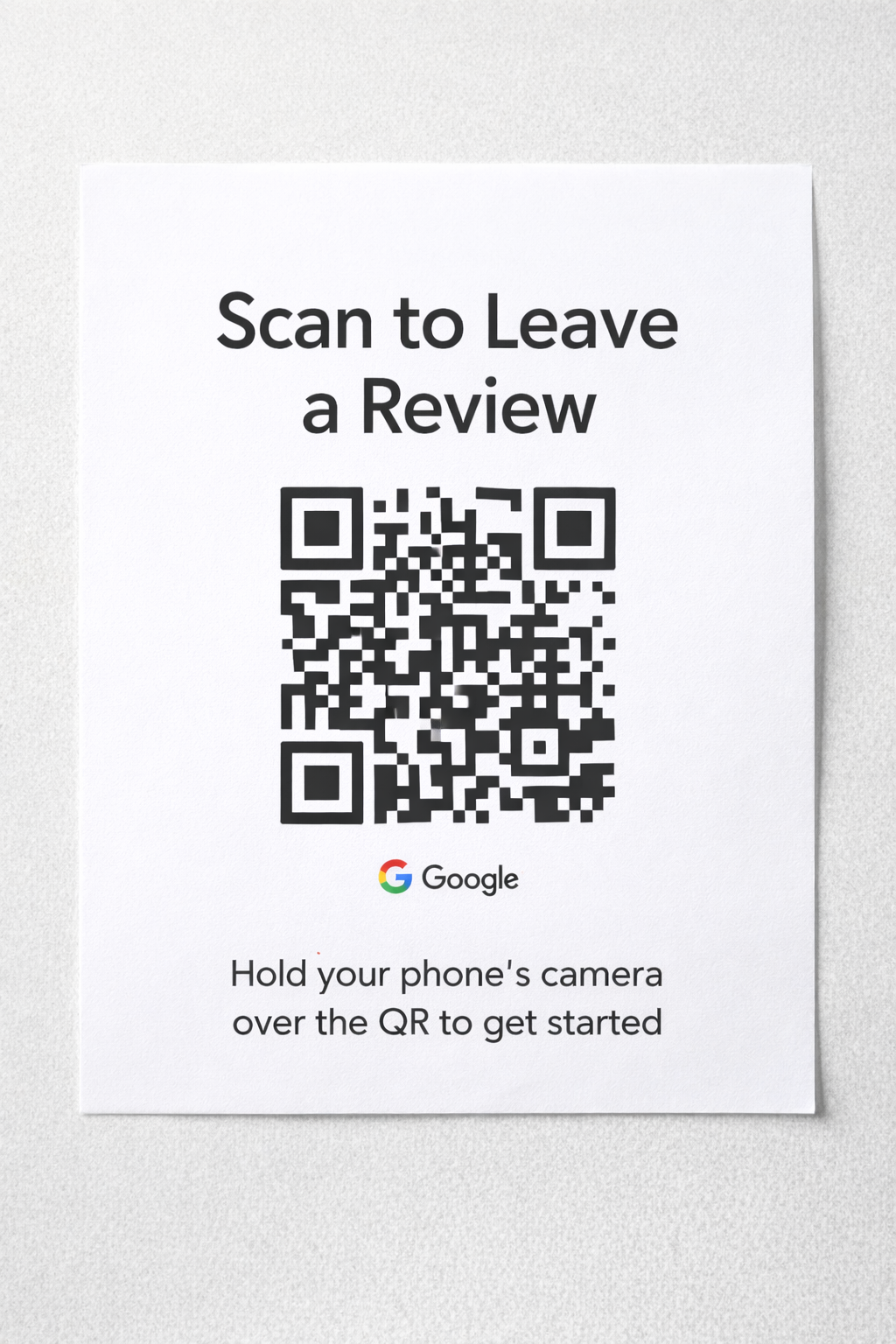
DIY sign example where you place your newly created Google Review QR Code.
Turn Your Review Link Into Scan & Tap Products
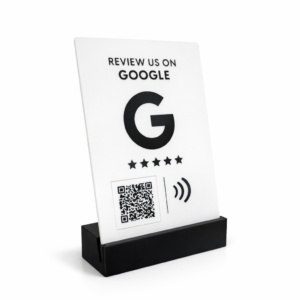
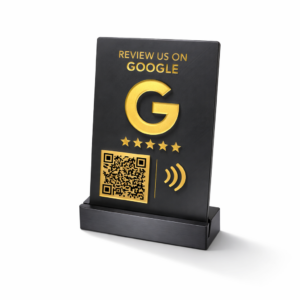
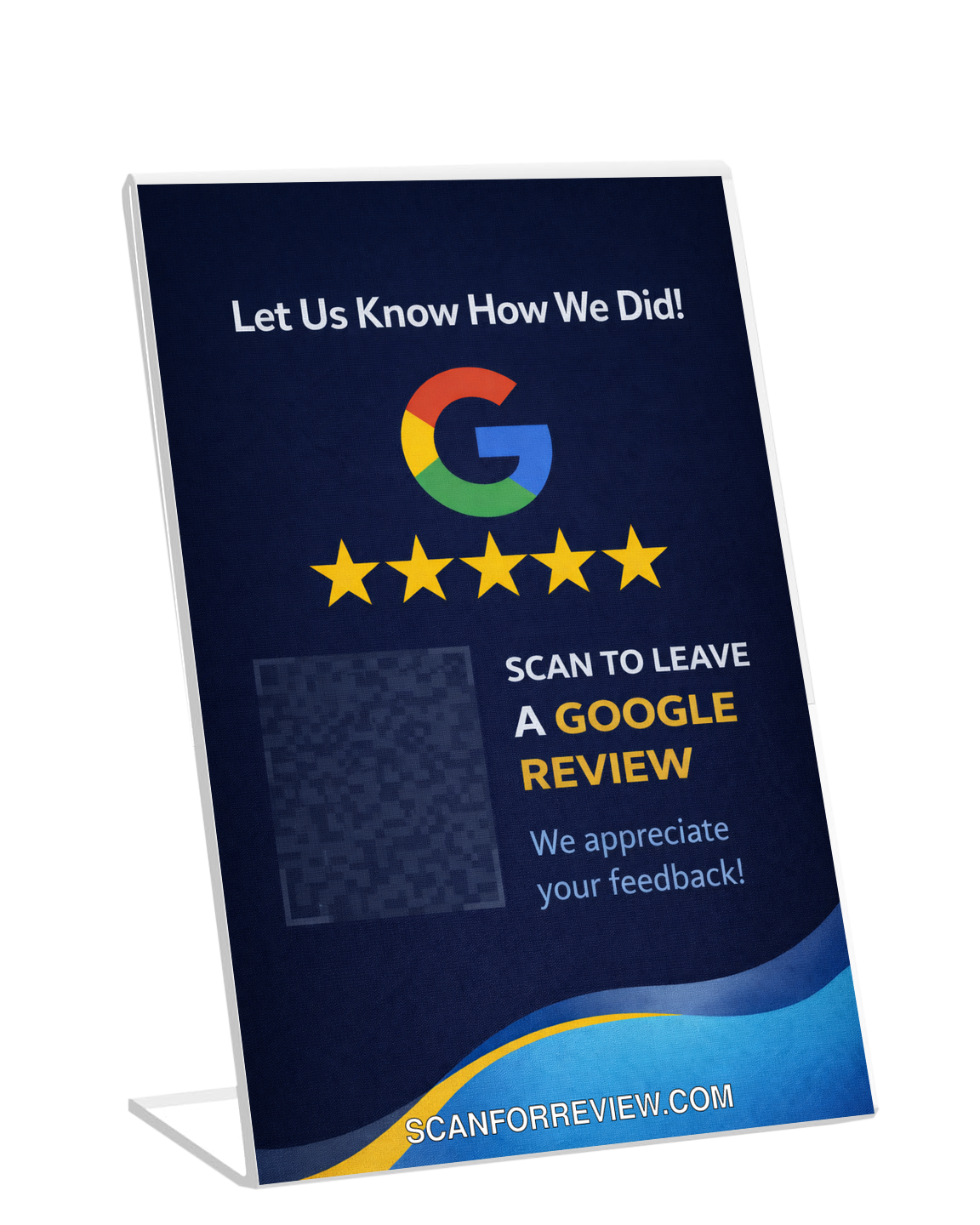
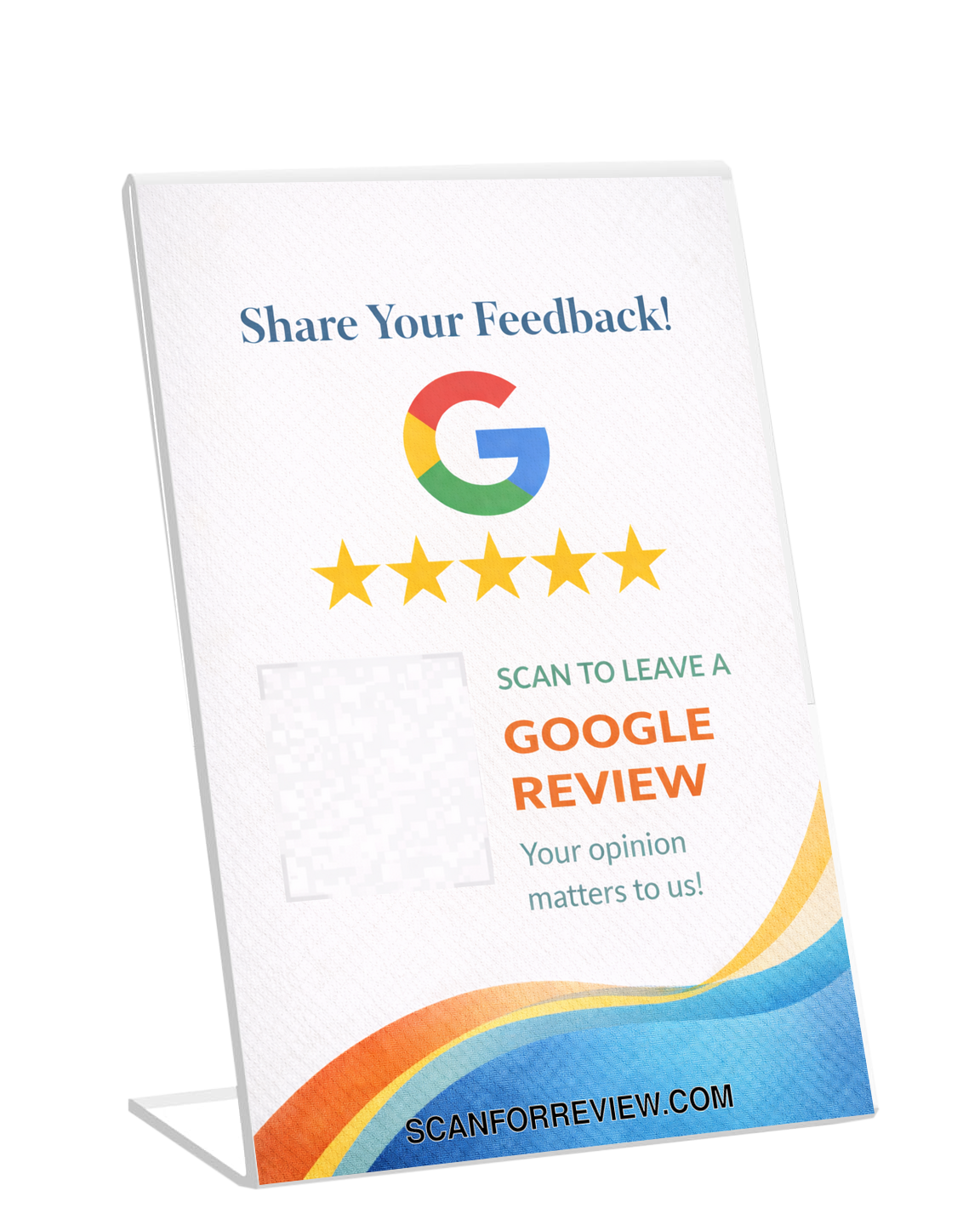
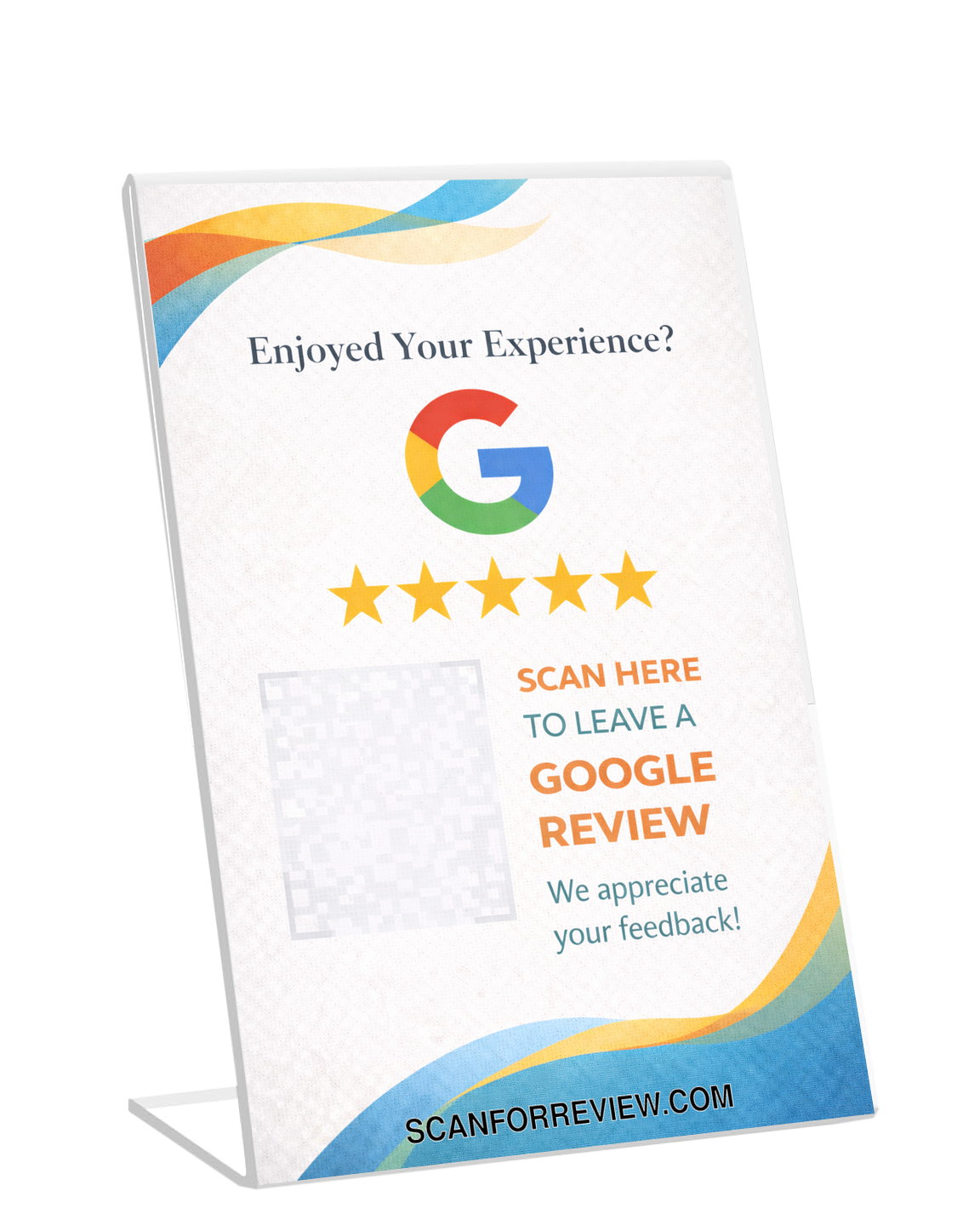
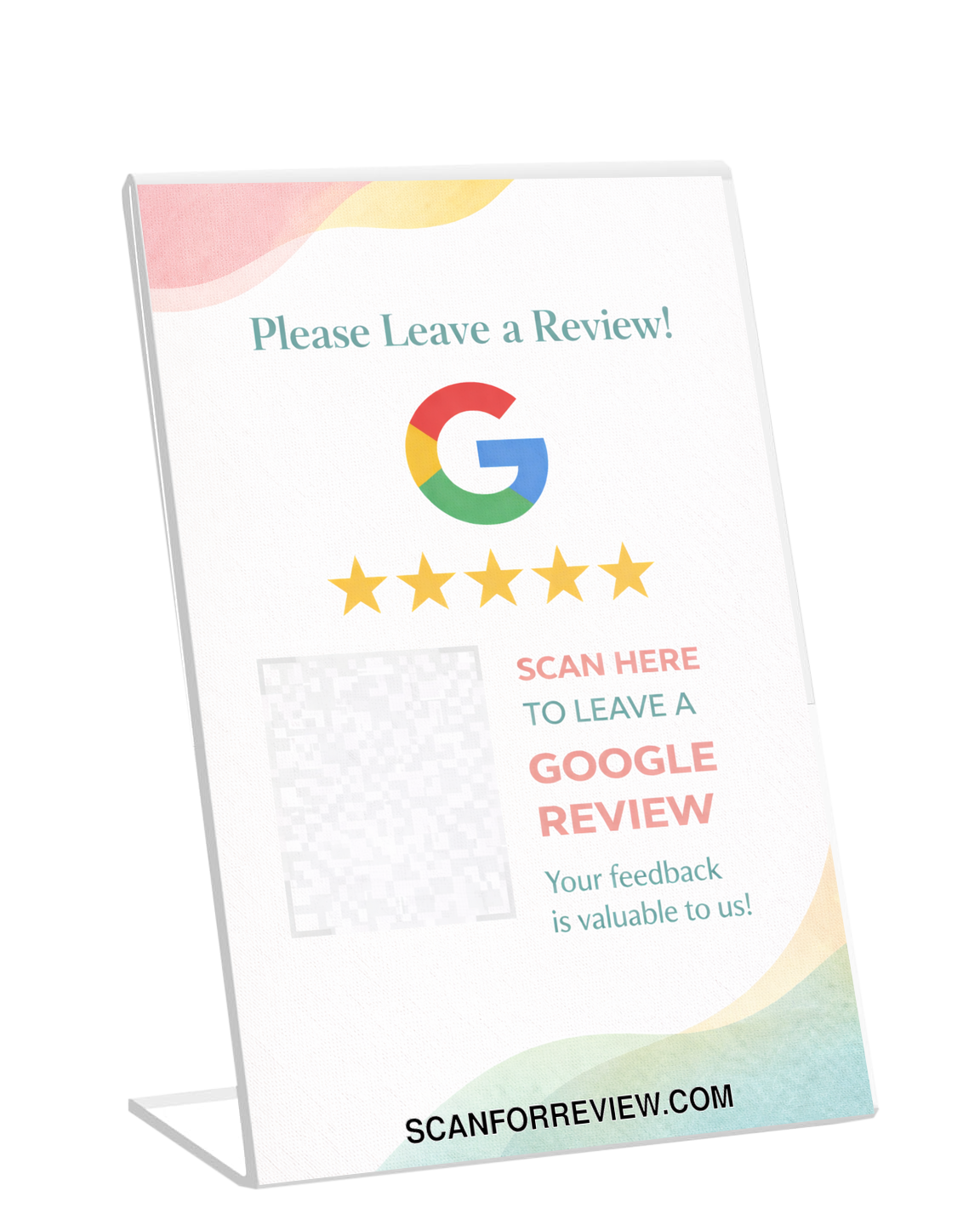
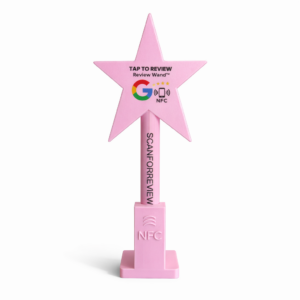
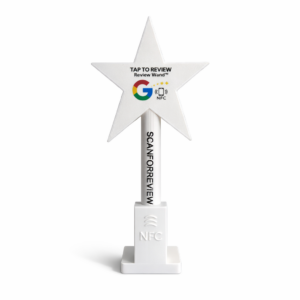
Your review link is the foundation. To maximize in-person conversions, many businesses turn that link into products customers can scan or tap—especially google review scan cards, nfc review cards, and professional google review stands.
Why products outperform DIY paper signs
- Durability: no reprinting or fading
- Professional look: customers trust it
- Higher conversion: better placement + clearer design
- Speed: scan or tap → review opens instantly
QR Code Products
NFC Tap Products

Frequently Asked Questions
Is this Google Review Link Generator free?
Yes. You can generate your Google review link for free using the tool at the top of this page.
What is a Google Place ID?
A Place ID is Google’s unique identifier for a business listing. It ensures the review link points to the correct location.
Can I use this link for a QR code?
Yes. After generating your link, you can convert it into a QR code for posters, stands, or signage.
Do NFC Google review cards work with this link?
Yes. NFC tags can be programmed to open your review link with a tap.
How should I ask customers for reviews?
Ask right after a successful experience and make it easy—send the link by email/text or display it via QR/NFC products.